롤바인딩
Table of contents
Namespace
롤바인딩(RoleBinding)
롤바인딩은 롤에 정의된 권한을 사용자 또는 사용자 집합에 부여합니다. 여기에는 subject (user,group 또는 serviceaccount) 목록과 부여되는 롤에 대한 참조가 포함됩니다. RoleBinding은 특정 네임스페이스 내에서 권한을 부여합니다. 하는 반면 ClusterRoleBinding은 클러스터 전체에 액세스 권한을 부여합니다.
RoleBinding은 동일한 네임스페이스의 모든 롤을 참조할 수 있습니다. 또는 RoleBinding이 ClusterRole을 참조하고 해당 ClusterRole을 RoleBinding의 네임스페이스에 바인딩할 수 있습니다.
예제 Yaml
apiVersion: rbac.authorization.k8s.io/v1
# This role binding allows "jane" to read pods in the "default" namespace.
# You need to already have a Role named "pod-reader" in that namespace.
kind: RoleBinding
metadata:
  name: read-pods
  namespace: default
subjects:
# You can specify more than one "subject"
- kind: User
  name: jane # "name" is case sensitive
  apiGroup: rbac.authorization.k8s.io
roleRef:
  # "roleRef" specifies the binding to a Role / ClusterRole
  kind: Role #this must be Role or ClusterRole
  name: pod-reader # this must match the name of the Role or ClusterRole you wish to bind to
  apiGroup: rbac.authorization.k8s.io
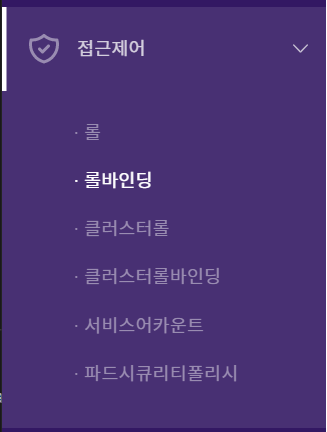
메뉴이동
접근제어 ➡ 롤바인딩
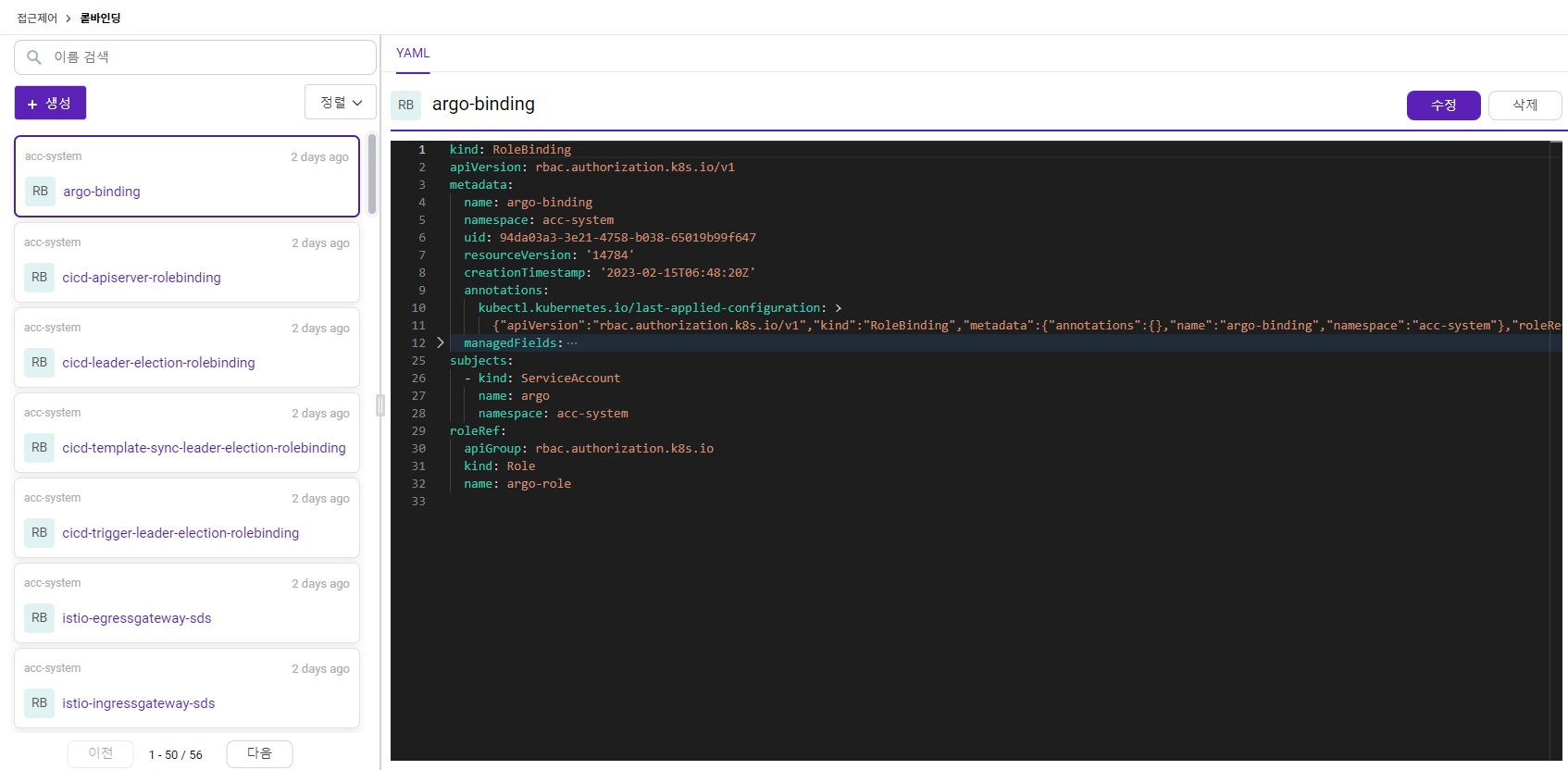
화면구성
생성된 롤바인딩 정보를 제공합니다.
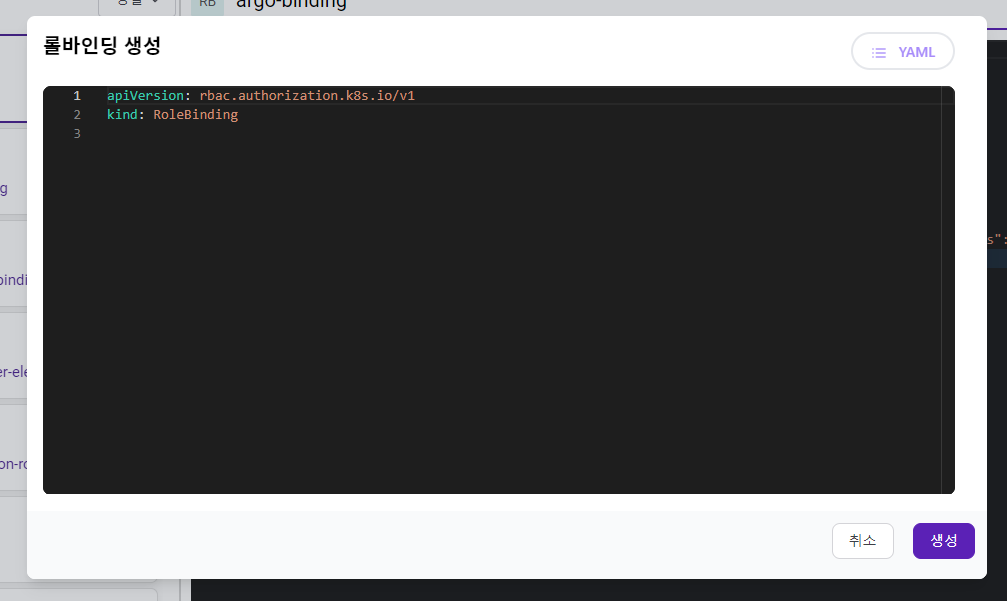
롤바인딩 생성
+생성을 클릭 후 내용을 입력하여 롤바인딩을 생성할 수 있습니다.
롤바인딩 수정
롤바인딩 목록에서 특정 롤바인딩을 클릭하여 우측 YAML에 수정할 내용 입력 후 수정버튼을 클릭하면 수정할 수 있습니다.
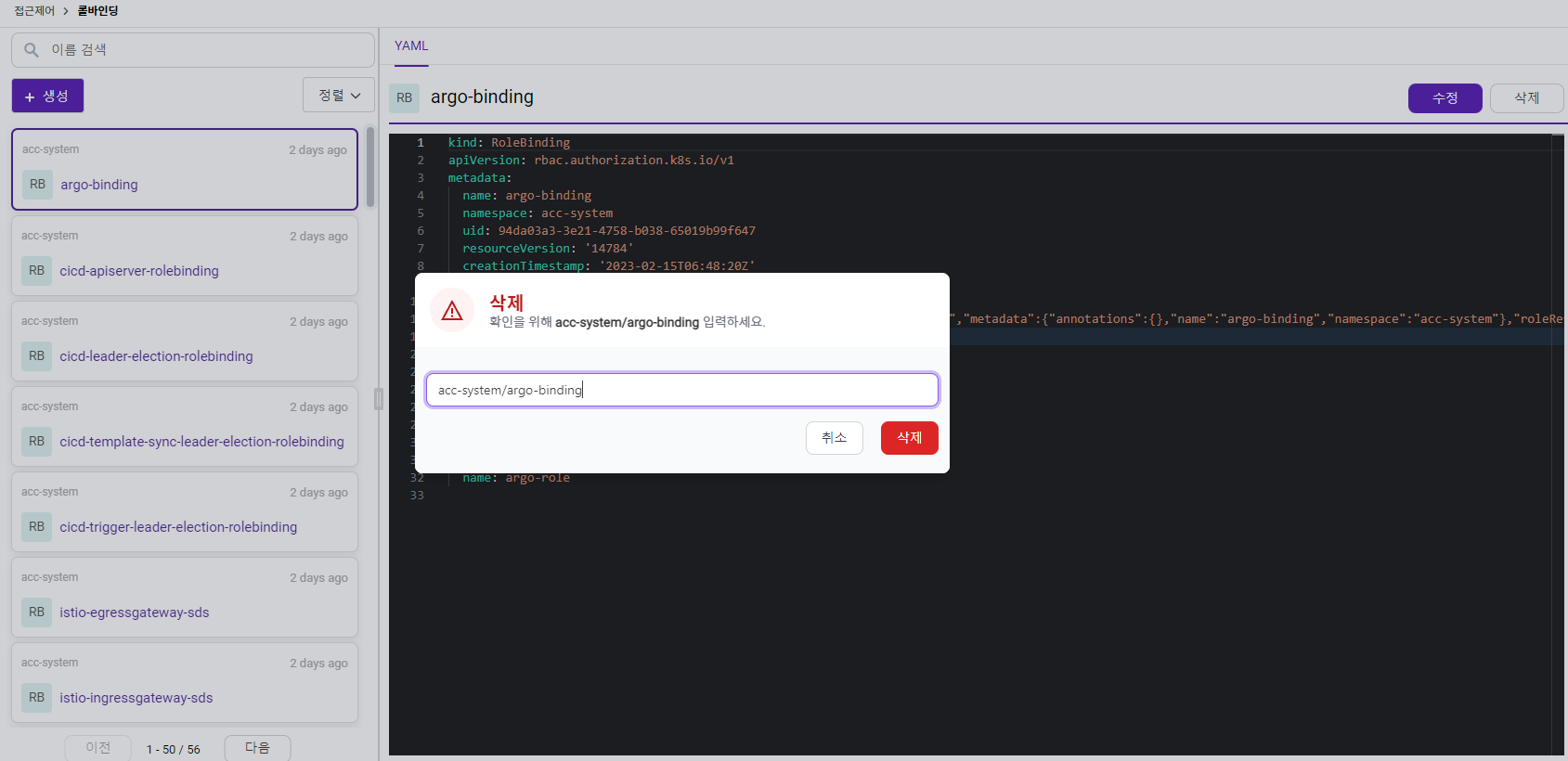
롤바인딩 삭제
삭제 버튼 클릭 시 삭제 팝업창이 나타나며 삭제하려는 해당 롤바인딩 이름을 입력 후 Delete 버튼 클릭 시 롤바인딩이 삭제됩니다.